**Settings >> Organization Forms**
The user can select the required forms from the available forms in the system and click Save option. [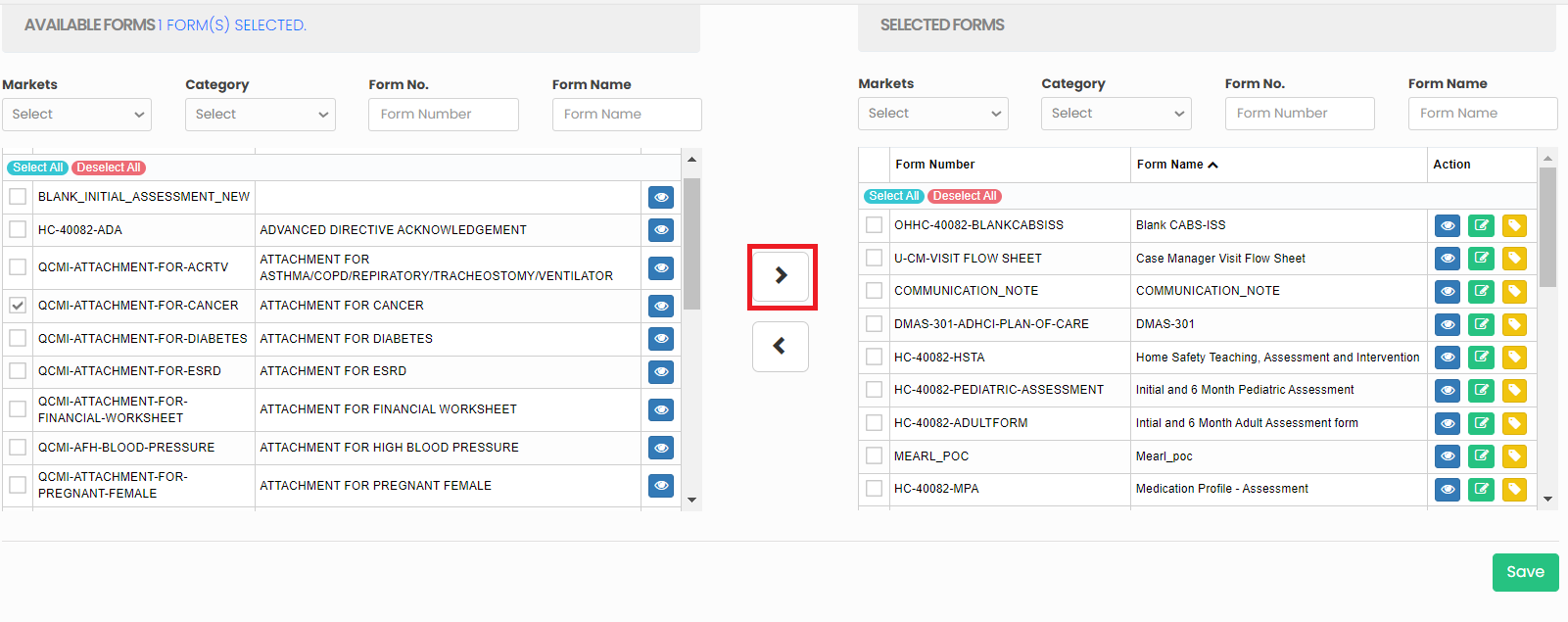](https://support.myezcare.com/uploads/images/gallery/2023-10/tZ5image.png) Also, the selected forms can be sent to available forms list in the system. [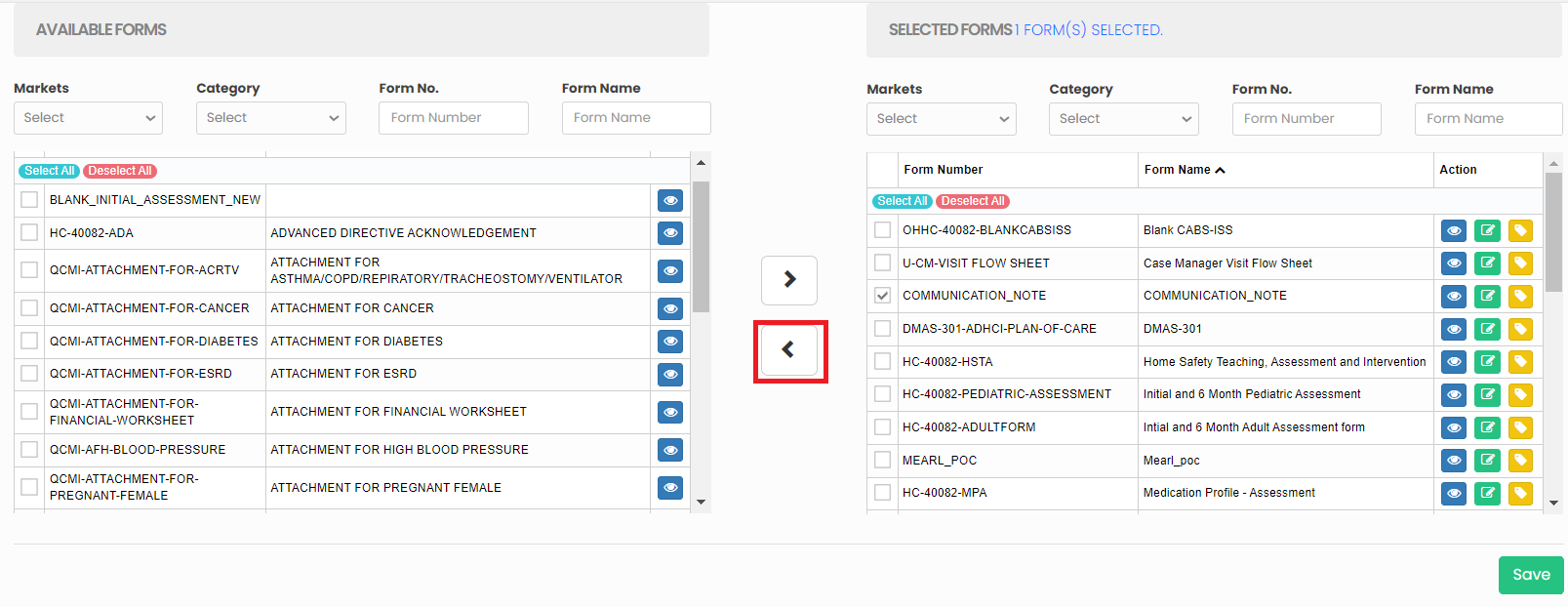](https://support.myezcare.com/uploads/images/gallery/2023-10/f5mimage.png) ### Edit Form Name**Settings >> Organization Forms**
The selected form names can be edited by using the edit option on the right side of the screen. Edit the form name and click Save option. [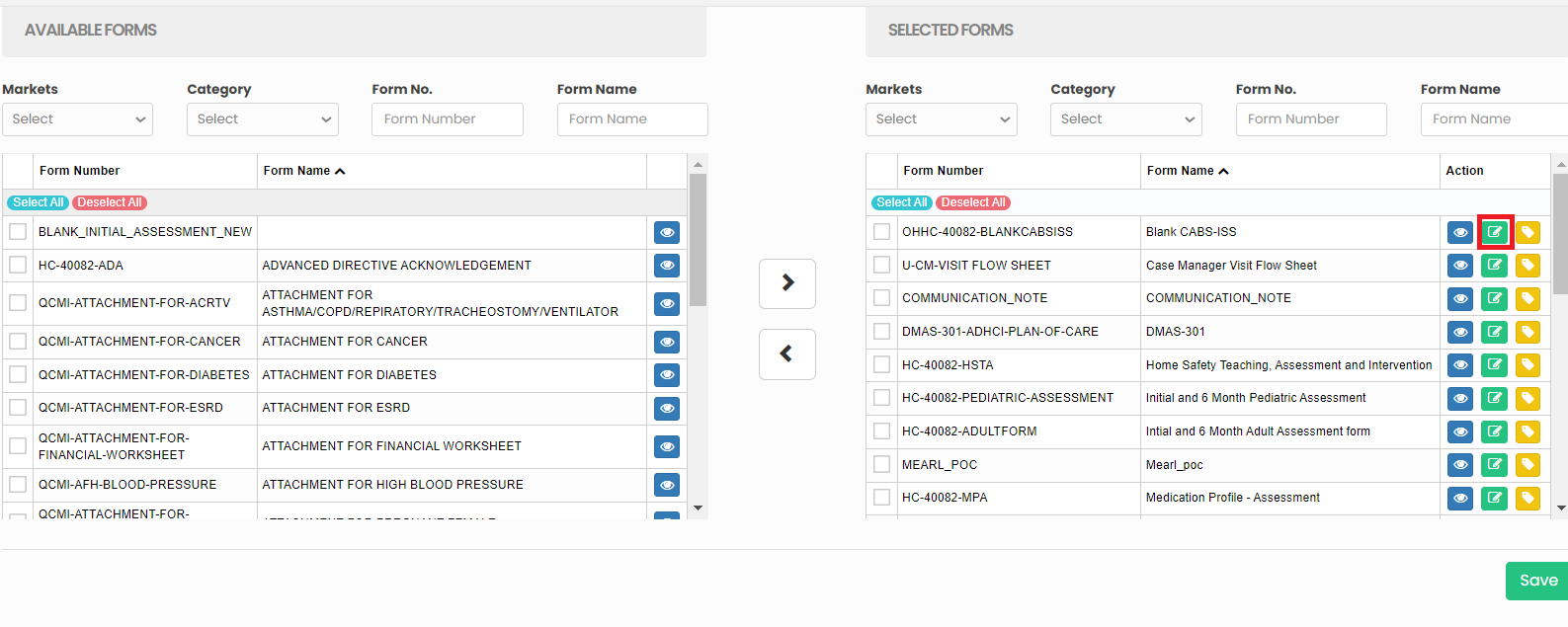](https://support.myezcare.com/uploads/images/gallery/2023-10/Yemimage.png)