# Schedule Log, Pending Schedule

- A Schedule Log is a structured record keeping system that tracks confirmed schedules of the patient. It includes patient details, care type, caregiver details and the dates of confirmed schedules.
- Pending schedules refer to planned patient visits and tasks waiting for completion. Proper management of these schedules is crucial for ensuring timely and effective care for patient.

### View Confirmed Schedule

<p class="callout info">**Scheduling &gt;&gt; Schedule Log**</p>

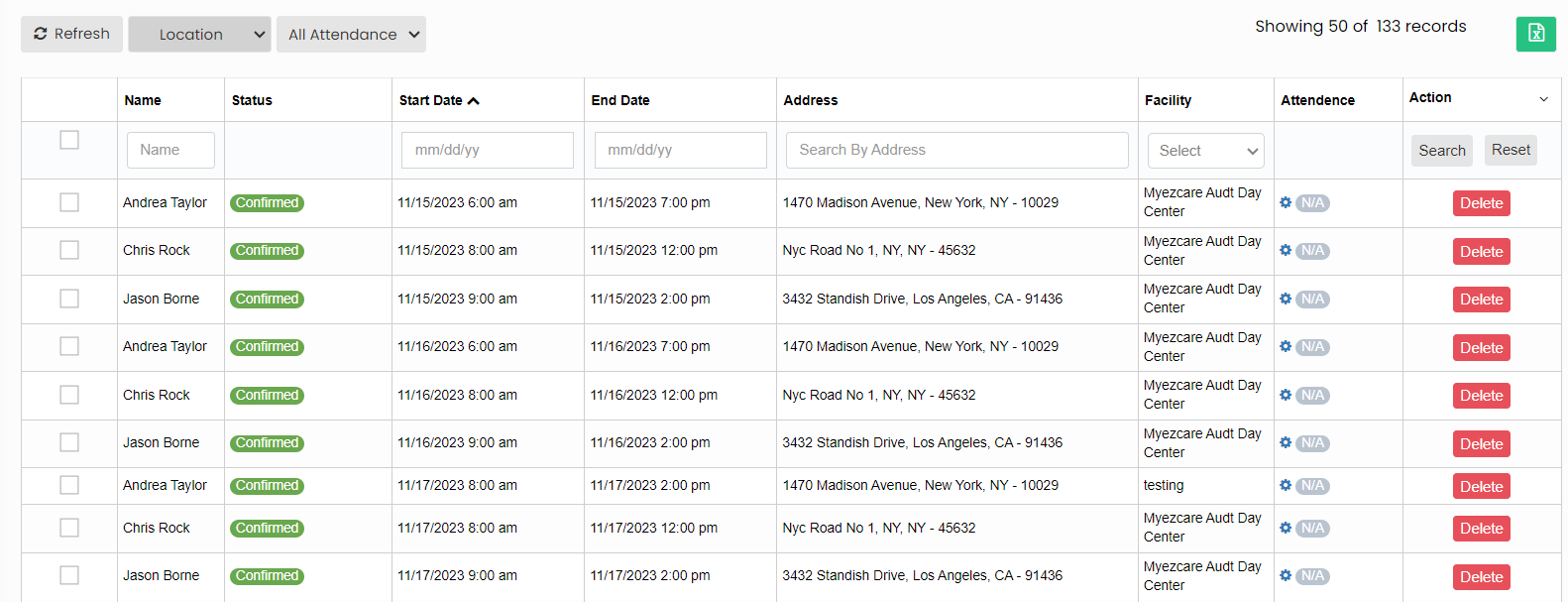
The user can view the list of confirmed schedules of the patients in the system.

[![image.png](https://support.myezcare.com/uploads/images/gallery/2023-11/scaled-1680-/pNYimage.png)](https://support.myezcare.com/uploads/images/gallery/2023-11/pNYimage.png)
### Delete Schedule

<p class="callout info">**Scheduling &gt;&gt; Schedule Log**</p>

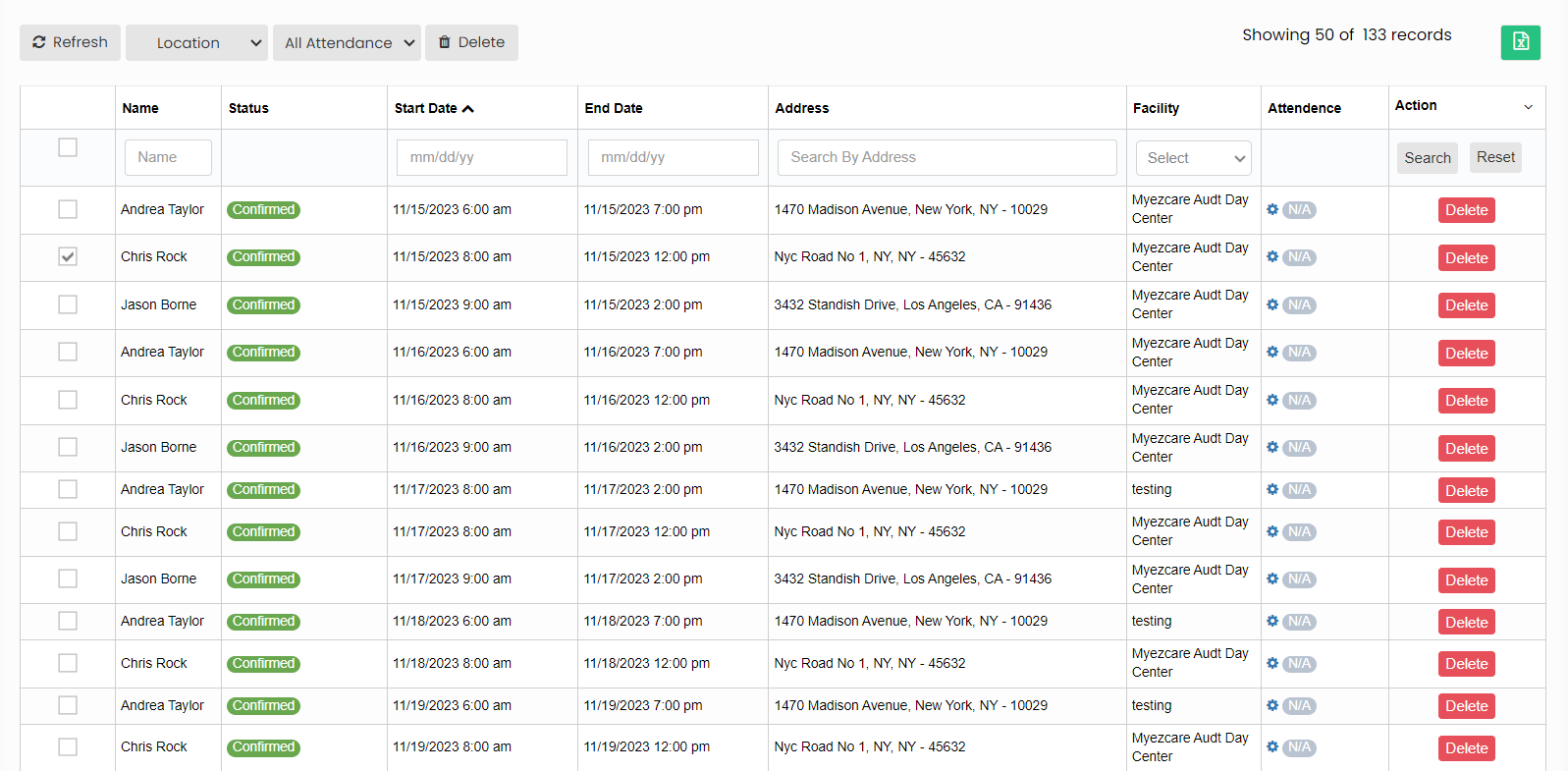
To delete the schedules in the Schedule Log, click on checkbox of the schedules and click Delete option.

[![image.png](https://support.myezcare.com/uploads/images/gallery/2023-11/scaled-1680-/KHOimage.png)](https://support.myezcare.com/uploads/images/gallery/2023-11/KHOimage.png)
### Pending Schedule

<p class="callout info">**Scheduling &gt;&gt; Pending Schedules**</p>

To view the pending schedules, enter the patient name, employee name and click Search option.

[![image.png](https://support.myezcare.com/uploads/images/gallery/2023-10/scaled-1680-/iD0image.png)](https://support.myezcare.com/uploads/images/gallery/2023-10/iD0image.png)
