**Messages >> Received Messages**
The user can view the Internal received messages in this screen. [](https://support.myezcare.com/uploads/images/gallery/2023-10/lD6image.png) ### Sent Messages Sent messages are communications from patients, caregivers or family members. They relay critical information, updates, instructions, and reminders, enhancing patient care and ensuring effective communication while adhering to privacy regulations.**Messages >> Sent Messages**
The Sent Internal Message can be viewed in the system by using the option Sent Message. [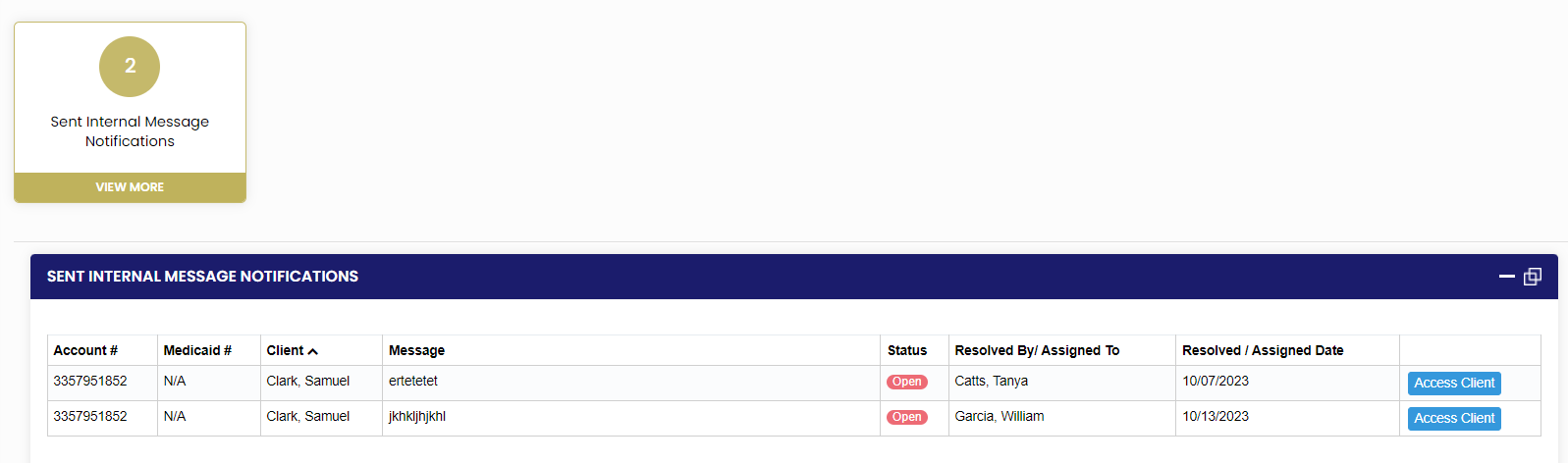](https://support.myezcare.com/uploads/images/gallery/2023-10/lWuimage.png)